A focused clipper for your Logic Pro workflow.
When you want to shape peaks and explore clipping character without navigating dozens of parameters, ARCHER gives you three direct controls: Gain, Threshold and Atmosphere.
One-time Mac App Store price in the United States. No subscription listed. Prices outside the US may vary. Requires macOS 12.0 or later according to the Apple listing.
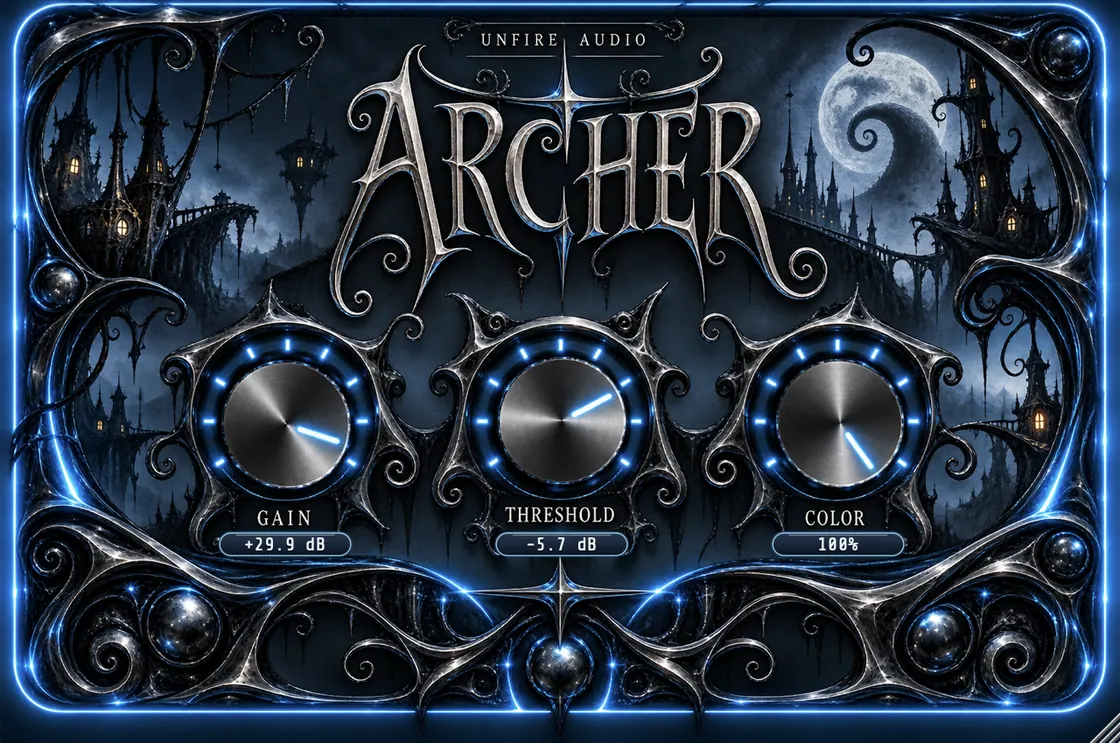
Design preview of a future update. The current App Store version may look different.
Built around the essentials
Adjust the drive entering the clipping stage.
Control where clipping begins.
Explore clipping character through a compact control.
AUv3 on macOS — what to know
The Mac App Store edition of ARCHER includes an AUv3 Audio Unit effect extension, registered under Archer. Apple's Logic Pro documentation explains how Audio Unit extensions are installed and managed in Logic Pro. Host recognition can vary by operating-system and DAW version; check the plug-in manager if the effect does not appear.
Finding an Audio Unit effect in Logic Pro
- Install ARCHER from the Mac App Store and open the app once if needed.
- In Logic Pro, select an audio channel and open an Audio FX insert.
- Look under Audio Units for Archer. If it is missing, open Logic Pro's Plug-in Manager to rescan Audio Units.
- Check your Logic Pro version and contact the developer if the Audio Unit does not load.
Apple's official Audio Units guide for Logic Pro provides host installation and troubleshooting instructions. Logic Pro is a trademark of Apple Inc.; ARCHER is independent software, not affiliated with or endorsed by Apple.
See the sound demo before buying
The existing Mac App Store product video demonstrates ARCHER's audio. There is no need to download a separate demo file to listen to it.
More help
For AUv3 questions, compatible formats, pricing and technical support, see the ARCHER FAQ and installation guide.
Press and questions
ARCHER has been covered by Audio Plugin Guy. Technical and review resources are available in our press kit. For compatibility questions, email hello@unfire.technology.