 UNFIRE AUDIO
GAIN
Drive.
Sets the input level before the clipping stage. Push it to decide how hard the signal hits.
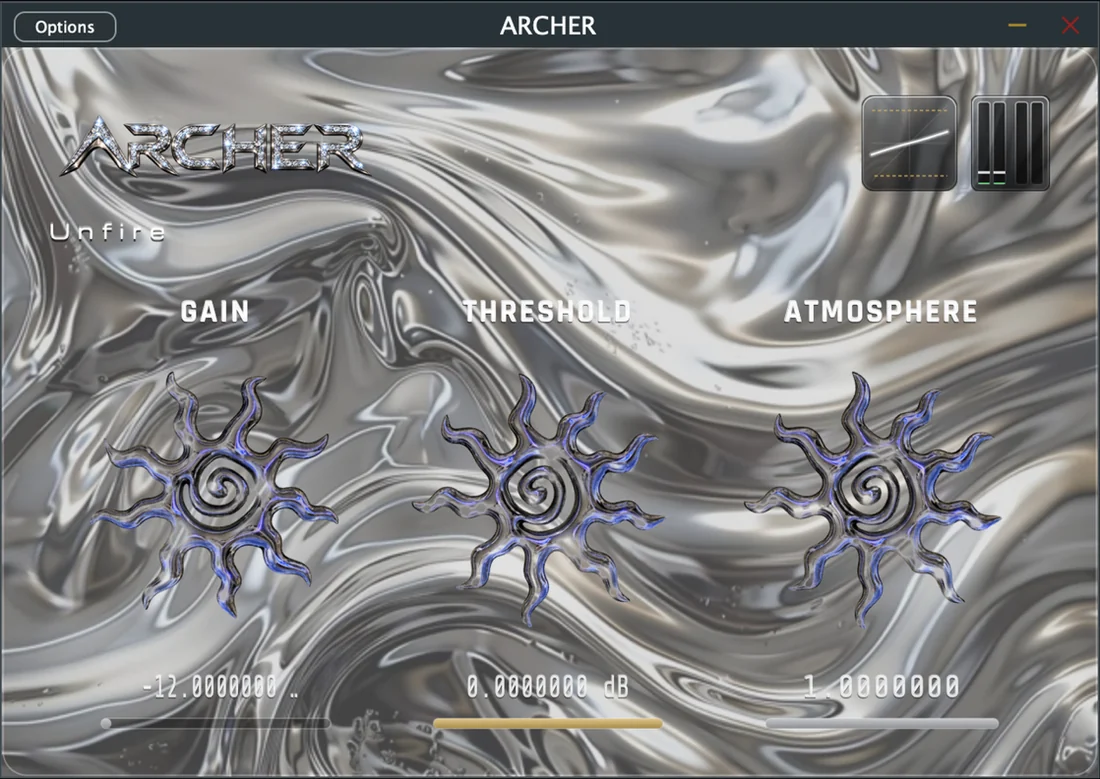
Real ARCHER window, cropped from the Mac App Store screenshot.
ARCHER is a real-time clipper for producers, musicians and mix engineers who would rather listen than scroll through parameters.
Drive.
Sets the input level before the clipping stage. Push it to decide how hard the signal hits.
Ceiling.
Sets where clipping begins, so you choose exactly how far the peaks are allowed to go.
Character.
Shapes the colour of the clipping, from discreet to clearly audible, without extra menus.
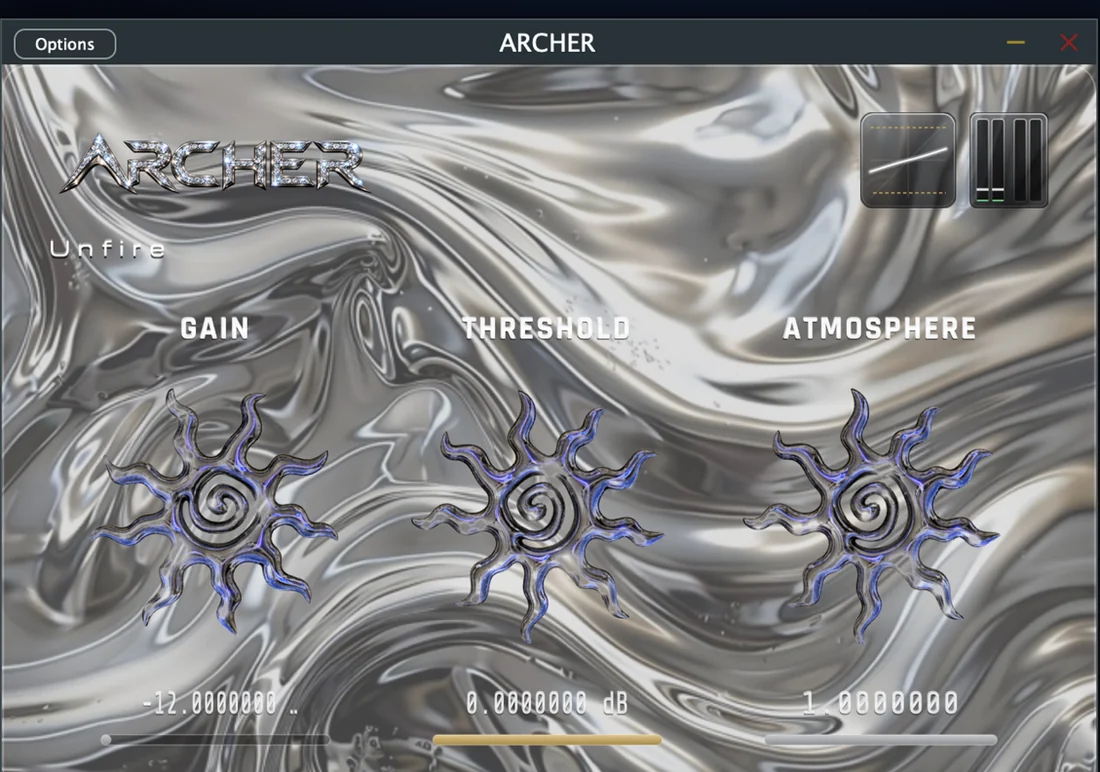
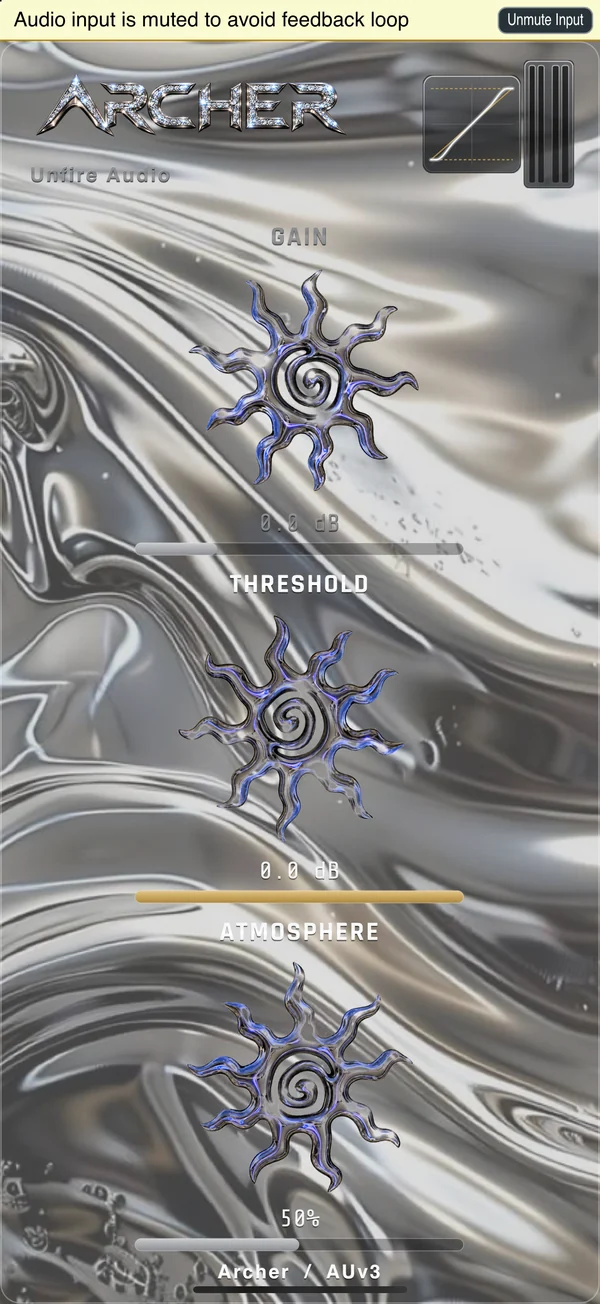
iPhone capture of the store build (simulator).
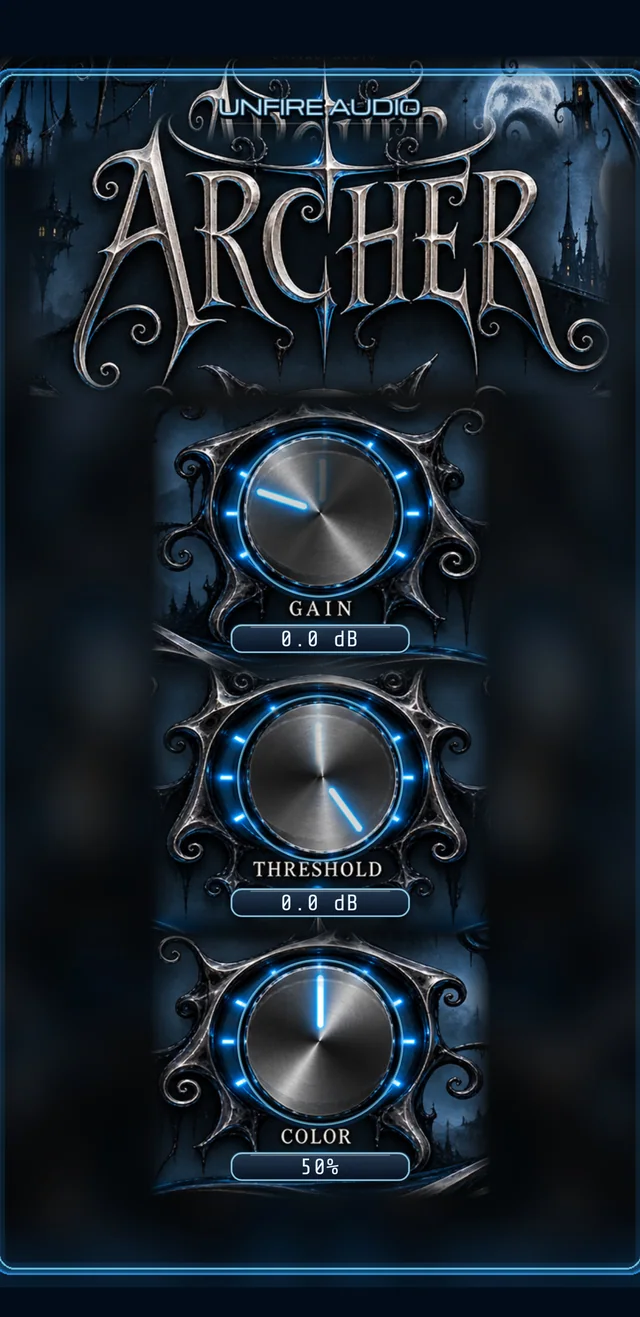
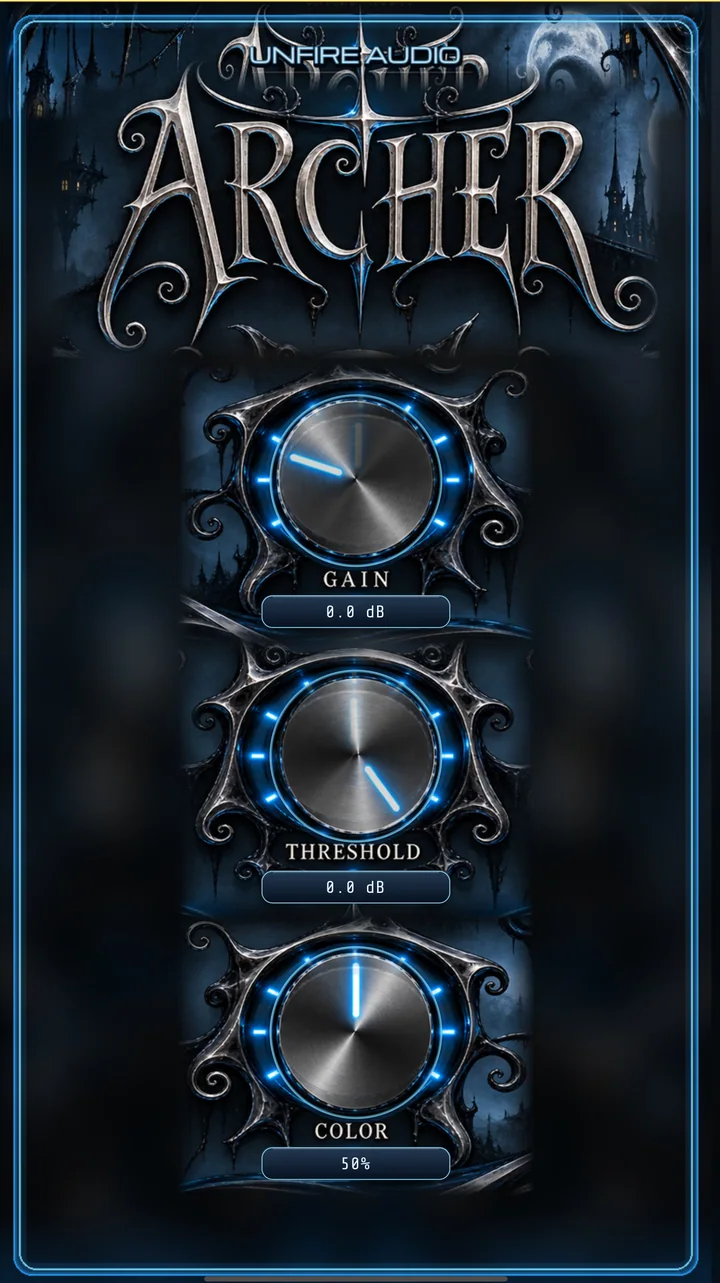
Made for touch. This unreleased development interface brings Gain, Threshold and Color together with a nocturnal blue-and-chrome design.
Real cropped iOS simulator previews from an unreleased 1.0.3 build. The iPad artwork is presented in a tablet-proportioned frame, not a final native iPad screenshot. Not the current App Store version.