01 / SOURCE
Four synth engines
Analog, FM, Glass and Sample sounds, with hands-on tone, color, shape and space.
Music ideas, made tangible. Four sound engines, a six-track tape and expressive controls — built for creating wherever inspiration starts.
Official Unfire direct edition · Version 1.0.5 · 41.4 MB APK · Signed by Unfire. This is a separate installation channel from Google Play.
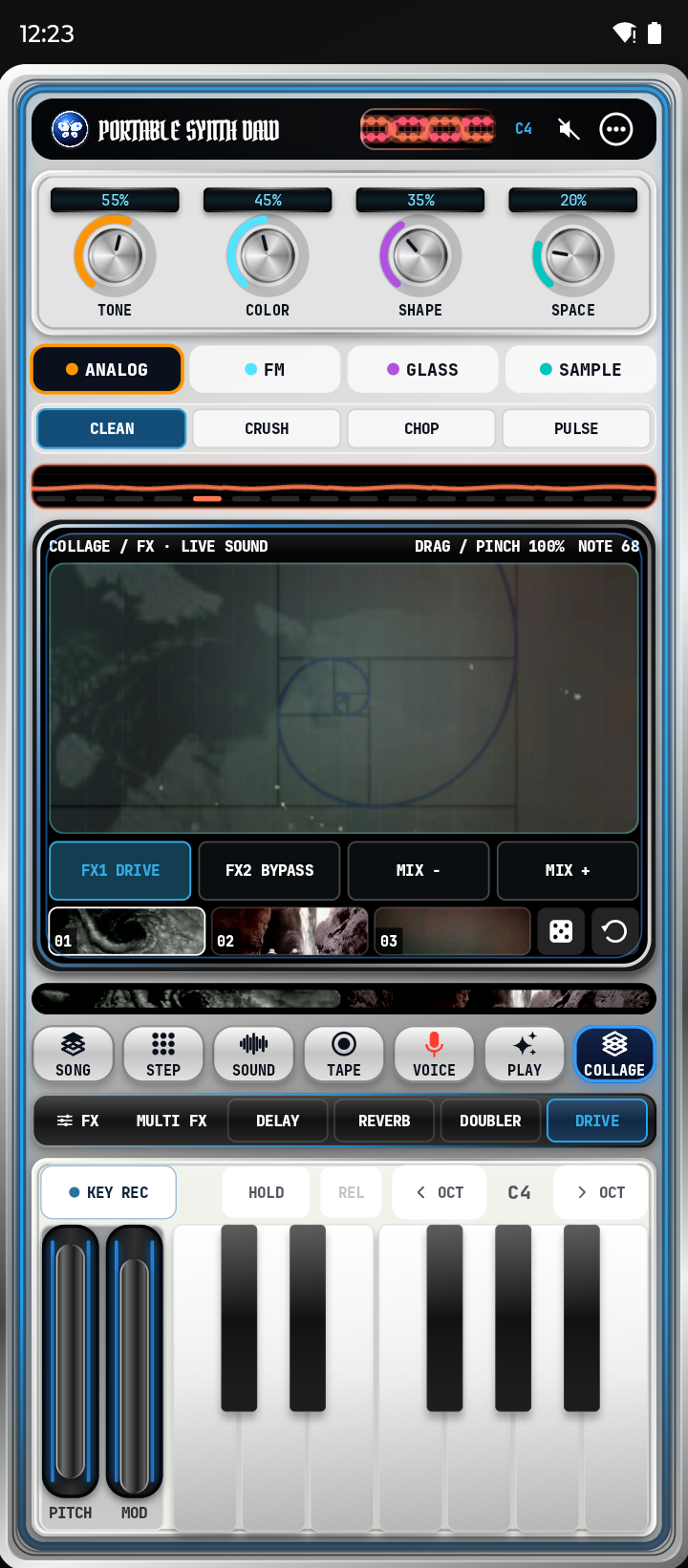
From a first synth note to a complete arrangement, without leaving your phone.
Analog, FM, Glass and Sample sounds, with hands-on tone, color, shape and space.
Layer musical ideas across six tracks, with independent mix, volume, mute and recording controls.
Step sequencer, effects, a musical keyboard and a live XY collage control.
Shape an arrangement with recording tools and export audio as WAV for your own workflow.
Edition: Portable Synth Daw — Direct · 1.0.5 (96)
Package: technology.unfire.synth.direct
Minimum OS: Android 8.0 (API 26)
Permission: microphone for optional voice recording
Price: Free
SHA-256 of the exact APK:
Signing certificate SHA-256:
f63b3e8b88cab5c445f15625eb5ebce7bd199aa6df3695452fca94fed6e5cfbf
Two independent editions. The direct-download edition has its own package identifier and signing key. It can coexist with the Google Play edition, but projects and recordings do not automatically move between them. Updates from one channel do not install over the other. Export important audio before uninstalling any edition. We do not ask you to disable Android security protections.
Use the download link on this page. The file is hosted with Unfire's official GitHub release.
Open the downloaded file. Android may request permission for your browser or file manager to install apps from this source.
Confirm the app name and install. Microphone access is optional and only requested when needed for recording.
Only install files you trust. If Android flags a security or malware risk, do not bypass the warning. Contact hello@unfire.technology instead. Google Play remains the separate official store-testing channel.